
Security investigation tools
Investigate suspicious links, domains, and sign-ins faster.
IT Knowledge Bases provides free browser-based security tools for IT administrators and SOC analysts: a phishing URL scanner, Microsoft Safe Links decoder, DNS lookup, IP geolocation, RDAP domain lookup, and a network infrastructure mapper — plus practical guides for investigating real incidents.
Do not submit URLs containing passwords, API keys, private documents, session tokens, or other sensitive information.
Free ITKB tools
Start with the question you need answered.
Each tool is designed for a specific part of a security or infrastructure investigation. All of them run in your browser — nothing to install.
Scan a suspicious URL
Capture a screenshot, inspect redirects, identify login forms, and review common phishing indicators — without visiting the site yourself.
Run URL scan →Decode a Microsoft Safe Link
Reveal the original destination hidden inside a Microsoft Defender Safe Links address. Read-only — nothing gets clicked.
Decode Safe Link →Investigate an unfamiliar IP
Review its approximate location, ISP, organization, ASN, and network ownership context.
Investigate IP →Inspect DNS records
Check A, AAAA, MX, TXT, NS, and other records associated with a domain.
Check DNS →Research domain registration
Review RDAP registration details, registrar data, status codes, and important dates.
Run RDAP lookup →Document infrastructure
Build clear maps of systems, cloud services, network assets, and technology relationships.
Open Network Mapper →Guided workflows
What are you investigating?
Use the workflow that matches the incident instead of relying on one tool or one detection.
Suspicious email link
Unfamiliar user sign-in
Unknown or recently seen domain
Infrastructure documentation
Investigation guides
Learn how to interpret the evidence.
Tools collect information. These guides explain how to use it without jumping to unsupported conclusions.
How to investigate suspicious login IP addresses without overreacting
Combine IP location, ASN, device, authentication, provider, VPN, and user context before deciding whether a sign-in is malicious.
URL investigationURL redirect chains explained
Understand how attackers use redirects, tracking links, shorteners, and compromised domains to conceal the final destination.
Practical security research
Evidence over inflated certainty.
ITKB tools are intended to support investigations, not replace professional judgment or authoritative vendor guidance.
Common questions
Frequently asked questions.
What is IT Knowledge Bases?
IT Knowledge Bases provides free browser-based security investigation tools and practical guides for IT administrators, SOC analysts, and security teams.
Is the phishing URL scanner free?
Yes. The public phishing URL scanner can be used without an account. Paid credits and API access are available for additional workflows.
Can I decode a Microsoft Safe Link without clicking it?
Yes. The Safe Link Decoder extracts the original destination from a supported Microsoft Safe Links URL without visiting the destination.
Do I need an account to use the tools?
No account is required for the public tools. Sign-in is used for private scanner features, purchased credits, and API access.
Is there an API for the phishing scanner?
Yes. IT Knowledge Bases offers API access for integrating URL analysis into security triage and automation workflows.
Latest analysis
Recent security writeups and guides
Practical investigations, vulnerability analysis, and defensive guidance for IT professionals.
-
HPE ArubaOS Vulnerabilities: 72 CVEs, 8 Critical CVSS 10.0 Flaws
Read article →: HPE ArubaOS Vulnerabilities: 72 CVEs, 8 Critical CVSS 10.0 FlawsHPE disclosed 72 ArubaOS vulnerabilities, including eight CVSS 10.0 flaws. Review affected versions, exploitation risks, logs to inspect, detection guidance, and patch recommendations.
-

Small-Business Security Tips: Build a Business That Can Survive a Cyberattack
Read article →: Small-Business Security Tips: Build a Business That Can Survive a CyberattackStarting a small business means building something worth protecting. That could be customer trust, online sales, invoices, appointments, employee information, or the tools that…
-
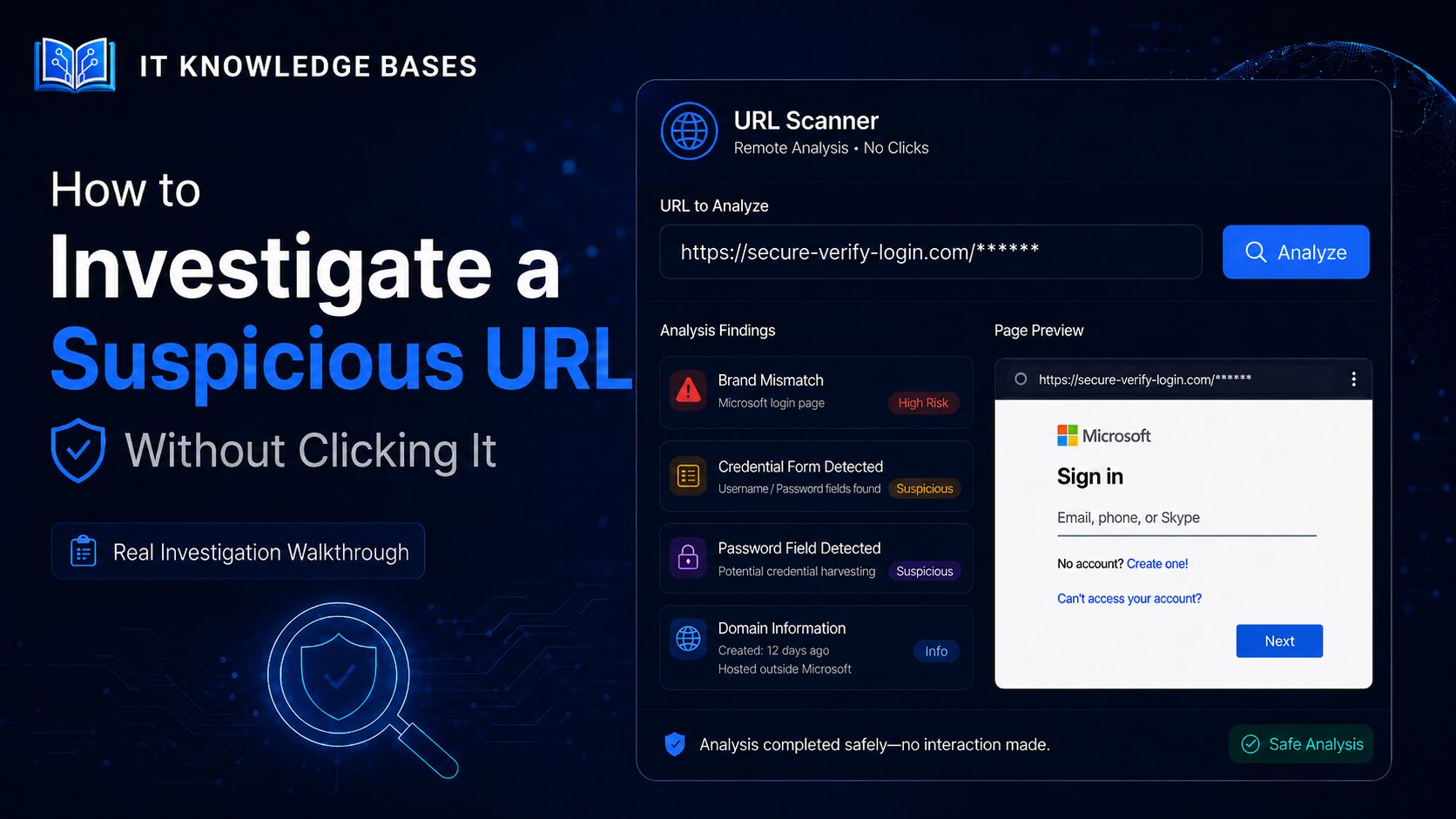
How to Investigate a Suspicious URL Without Clicking It
Read article →: How to Investigate a Suspicious URL Without Clicking ItA real-world walkthrough showing how a Microsoft-branded credential-phishing page was identified through remote screenshots, password-field detection, domain analysis and brand-mismatch findings. Important: Do not…