
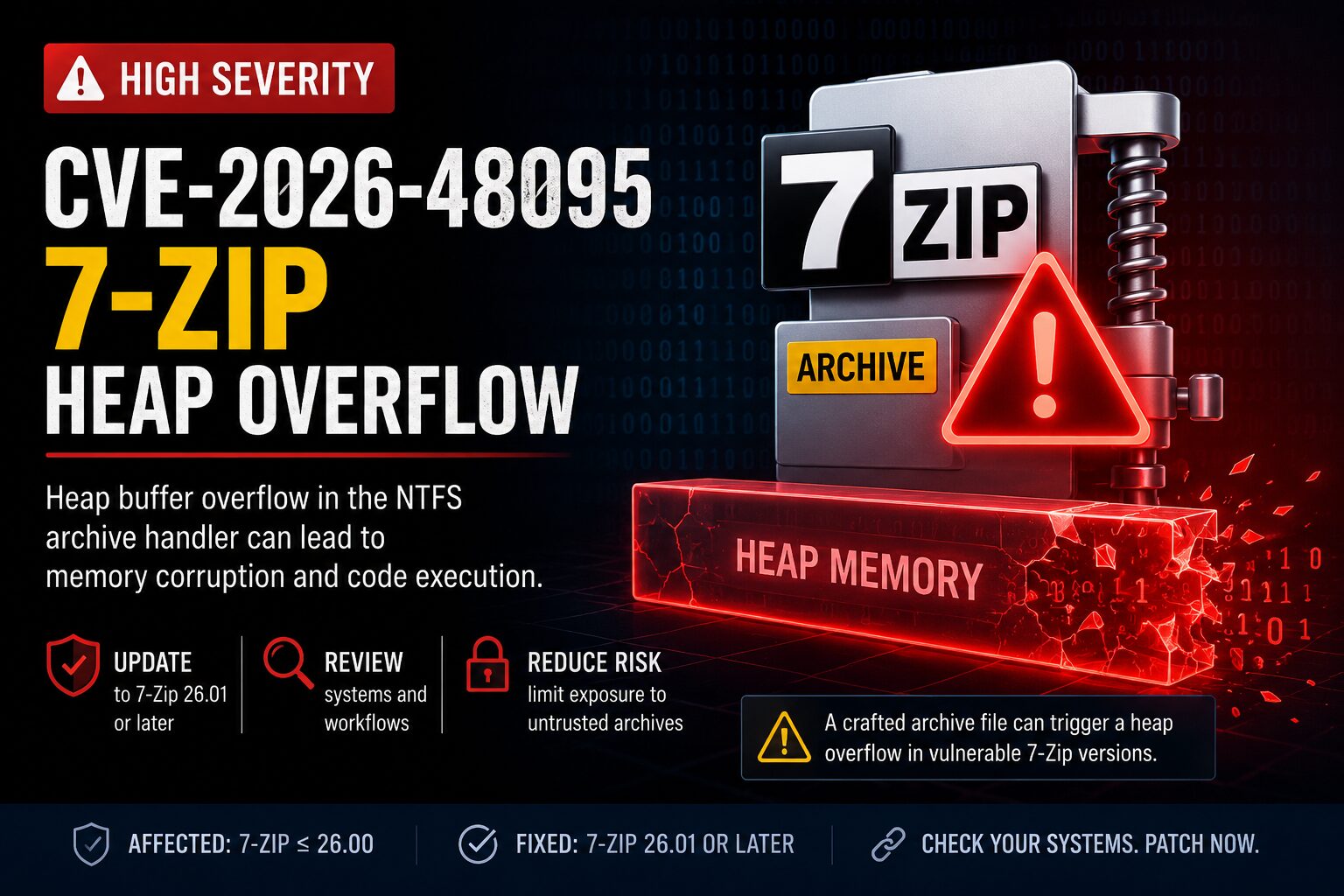
CVE-2026-48095 is a high-severity vulnerability in 7-Zip that affects versions through 26.00. The issue is a heap buffer overflow in 7-Zip’s NTFS archive handler and was fixed in 7-Zip 26.01. For IT and security teams, the risk is clear: a crafted archive-like file could trigger memory corruption when opened, tested, or processed by a vulnerable 7-Zip component.
This matters because 7-Zip is not only used by end users. It is often installed on administrator workstations, help desk systems, file processing servers, security analysis machines, and automation workflows. Any system that processes untrusted archives should be reviewed.
For more vulnerability coverage, visit the IT Knowledge Bases advisory page.
What Is CVE-2026-48095?
CVE-2026-48095 is a heap buffer overflow vulnerability in 7-Zip’s NTFS handler. GitHub Security Lab describes the flaw as an under-allocation in the NTFS compressed stream buffer, which can allow attacker-controlled data to be written beyond the allocated buffer.
The tested vulnerable version was 7-Zip 26.00. GitHub Security Lab states that versions through 26.00 are affected, and that 7-Zip 26.01 contains the fix.
What is CVE-2026-48095?
CVE-2026-48095 is a 7-Zip heap buffer overflow vulnerability in the NTFS archive handler. A malicious file can cause memory corruption when processed by a vulnerable version of 7-Zip. The issue can lead to an application crash or potential arbitrary code execution.
Why This 7-Zip Vulnerability Matters
Archive tools sit directly in the path of untrusted content. Users open emailed attachments, analysts inspect suspicious files, and automated systems extract uploaded or downloaded archives. That makes archive parsing bugs operationally important.
CVE-2026-48095 is especially worth prioritizing on systems where 7-Zip runs against files from outside the organization. If the vulnerable process runs with elevated permissions or under a service account, the impact could be worse.
Common Exposure Points
- Email attachments opened by end users
- Downloaded archives from unknown sources
- Help desk systems that process user-submitted files
- Security triage or malware analysis workstations
- CI/CD systems that unpack third-party artifacts
- Web applications that extract uploaded archives
- Scripts or tools that bundle 7-Zip or p7zip binaries
How CVE-2026-48095 Works
The vulnerability is tied to 7-Zip’s NTFS archive handling logic. According to GitHub Security Lab, the vulnerable code can calculate an incorrect buffer size during NTFS compressed stream handling. A crafted NTFS image can cause the buffer to be under-allocated, after which 7-Zip may write attacker-controlled data beyond the allocated memory.
One important detail for defenders: extension filtering alone is not enough. GitHub Security Lab notes that 7-Zip can use signature-based fallback detection, meaning a crafted file may be routed to the NTFS handler based on file content rather than only the file extension.
How does CVE-2026-48095 work?
CVE-2026-48095 works by abusing how 7-Zip processes crafted NTFS compressed stream data. The vulnerable code can allocate a buffer that is too small, then write attacker-controlled data beyond it. That memory corruption can crash 7-Zip or potentially support code execution.
Affected Versions
7-Zip versions through 26.00 are affected. The fixed release is 7-Zip 26.01 or later. Organizations should not assume they are safe just because 7-Zip is not listed as an installed application. Portable binaries and bundled copies must also be checked.
Systems to Prioritize
- Endpoints running 7-Zip 26.00 or earlier
- Administrator and help desk workstations
- Security operations systems used for attachment review
- Servers that process uploaded archive files
- Automation hosts that call
7z.exe,7za.exe,7zr.exe, or p7zip - Third-party tools that include their own 7-Zip binaries
Detection and Inventory Guidance
Start with version validation. Standard software inventory may miss portable or bundled copies of 7-Zip. Search for both installed applications and standalone binaries.
- Search endpoints and servers for
7z.exe,7za.exe,7zr.exe,7z.dll, and p7zip binaries. - Confirm the version of each discovered binary.
- Prioritize anything running 7-Zip 26.00 or earlier.
- Review scripts, scheduled tasks, and applications that process user-supplied archives.
- Check Linux package status through the relevant distribution security tracker or package manager.
- Validate third-party tools that bundle their own archive extraction components.
For Windows environments, use endpoint management and security tooling such as Intune, Microsoft Defender for Endpoint, SCCM, or an RMM platform to inventory affected systems. For Linux systems, package inventory helps, but it may not catch manually deployed binaries.
Mitigation and Best Practices
The primary mitigation is to upgrade to 7-Zip 26.01 or later. After patching, security teams should still review where archive extraction happens and whether untrusted files are processed with excessive privileges.
- Update 7-Zip to 26.01 or later.
- Remove outdated portable copies of 7-Zip.
- Block or sandbox suspicious archives from external senders.
- Avoid processing untrusted archives with privileged accounts.
- Run archive extraction in isolated or restricted environments where practical.
- Monitor for unusual child processes launched by archive tools.
- Review file upload workflows that automatically extract archive content.
What version fixes CVE-2026-48095?
7-Zip 26.01 fixes CVE-2026-48095. Systems running 7-Zip 26.00 or earlier should be updated. Security teams should also search for portable, bundled, or command-line copies that may not appear in normal installed application inventory.
Operational Risk Scenarios
The most concerning scenario is not a single user opening a file with limited permissions. The higher-risk scenario is a vulnerable archive tool running inside a trusted process, automated workflow, privileged workstation, or file processing pipeline.
If a help desk technician, security analyst, or automated service extracts malicious content with a vulnerable 7-Zip version, the attacker may gain code execution in that user or process context. That makes privilege level, endpoint controls, and process isolation important parts of the risk assessment.
External References
- GitHub Security Lab: GHSL-2026-140 Heap Buffer Write Overflow in 7-Zip
- Debian Security Tracker: CVE-2026-48095
- York University Information Security: 7-Zip Heap Buffer Overflow CVE-2026-48095
- 7-Zip Official Website
Key Takeaways
- CVE-2026-48095 is a high-severity heap buffer overflow in 7-Zip’s NTFS archive handler.
- 7-Zip versions through 26.00 are affected.
- 7-Zip 26.01 or later contains the fix.
- Extension-based blocking is not enough because handler selection can depend on file content.
- Prioritize systems that process untrusted archives, especially help desk, security, automation, and file upload environments.
- Search for portable and bundled 7-Zip binaries, not just installed applications.