
Summary: A suspicious login IP address is worth investigating, but an unfamiliar location does not automatically mean an account was compromised. IP geolocation is useful for triage, but it should be combined with ASN, device, authentication, impossible travel, DNS, RDAP, VPN, and user-context checks before taking action.
Security teams see this problem constantly: a user signs in, the location looks wrong, and the first reaction is to assume the account was hacked.
Sometimes that is true. Other times, the user is on a mobile carrier, a VPN, a hotel network, a cloud security proxy, a corporate egress gateway, or a ZTNA/SASE product that makes the sign-in appear to come from somewhere unexpected.
The goal is not to ignore strange IP addresses. The goal is to investigate them correctly.
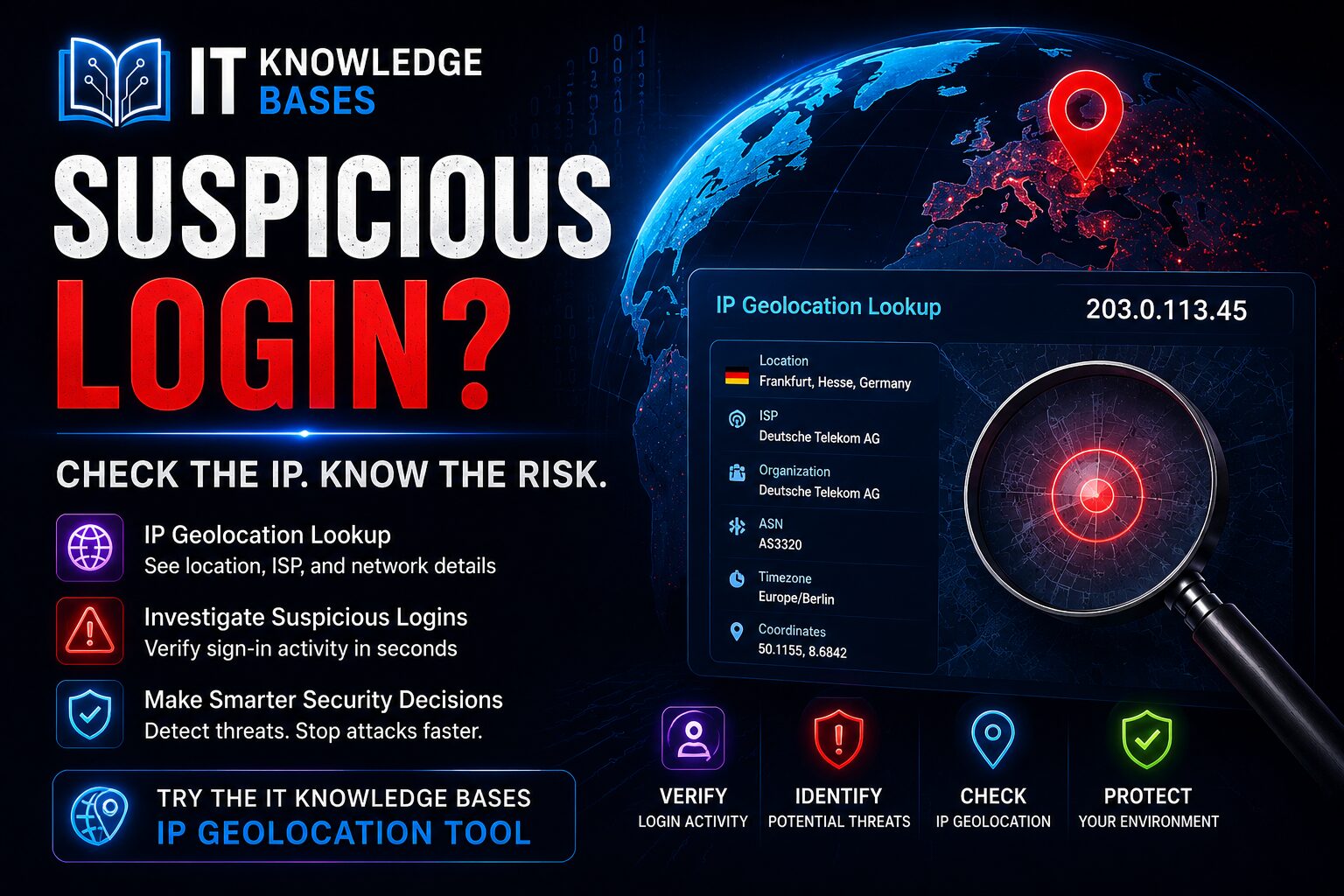
Use the IT Knowledge Bases IP Geolocation Tool to quickly review the reported location, network owner, ASN, and provider context for an IP address during suspicious login triage.
Why suspicious login IP addresses matter
Login IP addresses are one of the fastest signals available during account investigation. They can help answer basic questions:
- Where did the sign-in appear to come from?
- What organization or provider owns the network?
- Is the IP associated with a residential ISP, mobile carrier, cloud host, VPN, proxy, or corporate gateway?
- Has the user signed in from this country, ASN, or provider before?
- Does the IP fit the user’s normal work pattern?
Microsoft Entra ID Protection uses unfamiliar sign-in properties as one risk signal. Microsoft documents that this detection compares the current sign-in with prior sign-in history and may consider properties such as IP address, ASN, location, device, browser, and tenant IP subnet. See Microsoft’s documentation on risk detections.
That matters because IP location by itself is not enough. A location mismatch can be a compromise indicator, but it can also be normal network behavior.
What IP geolocation can tell you
An IP geolocation lookup estimates the location and network context of an IP address. Depending on the data source, the result may include:
- Country
- Region or state
- City
- Latitude and longitude estimate
- ISP or organization
- ASN, or Autonomous System Number
- Timezone
For security triage, the ASN and organization are often more useful than the city. A sign-in from a different city may not matter if the ASN is the user’s normal mobile carrier or corporate VPN provider. A sign-in from the user’s usual region may still be suspicious if the ASN belongs to a cloud hosting provider commonly used for abuse.
ARIN explains that Whois can retrieve information about IP number resources, organizations, points of contact, customers, and related entities. See ARIN’s Whois documentation. ARIN also describes RDAP as a Whois alternative for querying Internet resource registration data, including IP addresses and Autonomous System Numbers. See ARIN’s RDAP documentation.
What IP geolocation cannot tell you
IP geolocation does not provide GPS-level location. It does not prove where a person is sitting. It does not identify a specific device, household, or user by itself.
The IETF’s RFC 8805 describes a format for network operators to publish IP prefix geolocation feeds. Importantly, that format is designed for coarse-level location data, not precise personal location. See RFC 8805: A Format for Self-Published IP Geolocation Feeds.
That limitation is important. A login shown as coming from another city may reflect a mobile carrier NAT gateway, VPN or proxy exit node, corporate internet breakout, ZTNA or SASE provider, hotel Wi-Fi, cloud-hosted browser, stale geolocation database, CDN, hosting provider, or regional point of presence.
This is why blocking or disabling accounts based only on a city mismatch can create false positives.
Recommended workflow for investigating a suspicious login IP address
Step 1: Capture the sign-in details
Start with the source system that reported the login. For Microsoft 365 environments, this is commonly Microsoft Entra sign-in logs or Microsoft Entra ID Protection.
Record the user account, timestamp, source IP address, reported country/region/city, application accessed, device details, browser and operating system, authentication requirement, MFA result, Conditional Access result, and risk reason if available.
Do not start by asking, “Is this city correct?” Start by asking, “Does the full sign-in pattern fit this user?”
Step 2: Look up the IP address
Paste the IP address into the IT Knowledge Bases IP Geolocation Tool.
Review the reported country, region, city, organization, ASN, and timezone. The location helps, but the network owner and ASN usually provide the better investigation clue.
Step 3: Decide what kind of network it appears to be
Classify the IP address as a residential ISP, mobile carrier, corporate network, cloud hosting provider, VPN/proxy provider, or known security provider.
A login from a cloud hosting ASN is not automatically malicious, but it should be reviewed more closely than a familiar residential or corporate provider.
Step 4: Compare against the user’s normal sign-in history
Compare the suspicious sign-in with prior sign-ins for the same user. Look for previous use of the same IP, ASN, country, VPN provider, device, browser, and travel pattern. Also review recent password reset activity and MFA changes.
Microsoft’s unfamiliar sign-in properties detection also depends on prior sign-in history and can include IP, ASN, location, device, browser, and tenant IP subnet. That reinforces the point: investigate the combination of signals, not the map pin alone.
Step 5: Check whether MFA was satisfied
If the sign-in succeeded and MFA was satisfied, do not automatically close the case. MFA success is helpful, but attackers can still succeed through MFA fatigue, token theft, adversary-in-the-middle phishing, consent abuse, or compromised devices.
Review whether MFA was required, completed, which method was used, whether the method was recently registered or changed, whether the device was compliant or trusted, and whether Conditional Access applied as expected.
Step 6: Check impossible travel and timing
Compare the suspicious sign-in with nearby successful sign-ins. Ask whether the user signed in from one location and then another impossible location minutes later, whether a corporate VPN explains the behavior, whether timestamps match work hours, and whether there were failed attempts before the successful login.
Impossible travel is stronger when the two sign-ins are both interactive, successful, and tied to different devices or networks. It is weaker when one event is a background token refresh, mobile carrier gateway, or corporate proxy.
Step 7: Check DNS and RDAP context when a domain is involved
If the IP came from a suspicious link, phishing page, redirect chain, or web server, enrich the investigation with domain data.
- IT Knowledge Bases DNS Lookup Tool — review A, AAAA, MX, TXT, NS, and other records.
- IT Knowledge Bases RDAP Domain Lookup — review registrar, creation date, nameservers, and domain status.
- IT Knowledge Bases Phishing URL Scanner — inspect suspicious URLs, redirects, screenshots, page forms, and security signals.
- IT Knowledge Bases Safe Link Decoder — extract the original destination from Microsoft Safe Links before deeper analysis.
Step 8: Decide the response level
Low risk: Known user, known device, known ASN, MFA satisfied, Conditional Access passed, and the location mismatch is explained by mobile carrier or corporate VPN. Document the review.
Medium risk: New country or ASN, familiar user but unfamiliar device, MFA satisfied, no obvious travel explanation, and no clear post-login abuse. Contact the user through a trusted channel and consider password reset or session revocation depending on policy.
High risk: Impossible travel, new device, new ASN or cloud/VPN provider, suspicious MFA behavior, mailbox rule creation, OAuth consent grant, suspicious file access, or the user denies the activity. Contain the account according to your incident response process, revoke sessions, reset credentials, review MFA methods, inspect mailbox rules, review OAuth applications, and preserve evidence.
Common mistakes when using IP geolocation
Mistake 1: Treating the city as exact
City-level IP geolocation can be wrong. Treat it as an estimate, not proof.
Mistake 2: Ignoring ASN
The ASN often explains the event better than the reported city. A familiar corporate VPN ASN is different from an unfamiliar cloud hosting ASN.
Mistake 3: Blocking entire countries without business context
Country blocking can reduce noise in some environments, but it can also break legitimate access for traveling users, vendors, mobile users, and cloud services. Use it carefully.
Mistake 4: Assuming MFA success means safe
MFA reduces risk but does not eliminate it. Token theft, adversary-in-the-middle phishing, and social engineering can still create successful suspicious sign-ins.
Mistake 5: Forgetting about SASE, VPN, and proxy tools
Security products may intentionally route traffic through centralized egress locations. Keep an internal list of known corporate egress IPs, VPN providers, ZTNA providers, and security gateways.
Simple suspicious login IP checklist
- Look up the IP address.
- Review country, region, city, ASN, and organization.
- Compare the ASN to previous sign-ins.
- Check whether the device is known.
- Check whether MFA was required and satisfied.
- Check whether MFA methods recently changed.
- Review Conditional Access results.
- Compare against nearby sign-ins for impossible travel.
- Check for suspicious mailbox rules or OAuth grants.
- Contact the user through a trusted method if needed.
- Revoke sessions and reset credentials if compromise is likely.
- Document the evidence and decision.
When to use the IT Knowledge Bases IP Geolocation Tool
The IT Knowledge Bases IP Geolocation Tool is useful when you need quick context during Microsoft Entra sign-in reviews, suspicious login investigations, phishing triage, firewall log review, web server log analysis, incident response, help desk account-security tickets, and VPN or remote access reviews.
Use it as an enrichment step, not as the final verdict.
FAQ
Does a suspicious login location prove account compromise?
No. A suspicious location is a signal that needs review. It can be caused by travel, VPNs, mobile carrier routing, corporate proxies, cloud security tools, or inaccurate geolocation data.
Is IP geolocation accurate enough for security investigations?
It is useful for triage, especially at the country and network-owner level. It is not reliable enough to prove a person’s exact location.
What is more important: city or ASN?
For security work, ASN is often more useful. The ASN helps identify the network provider behind the IP address, such as a residential ISP, mobile carrier, VPN, cloud host, or corporate security provider.
Should I block an account after one unfamiliar IP login?
Not automatically. Review the full context first: device, MFA, ASN, country, Conditional Access, user history, and post-login activity. If multiple signals are suspicious, containment may be appropriate.
Can attackers use VPNs or proxies to hide their location?
Yes. Attackers can use VPNs, proxies, Tor, cloud providers, compromised hosts, or residential proxy networks. That is why IP location should be combined with device, identity, and behavior signals.
What should I do if the user denies the login?
Treat it as a likely compromise. Revoke sessions, reset the password, review MFA methods, inspect mailbox rules, check OAuth consent grants, review file access, and follow your incident response process.
Conclusion
Suspicious login IP addresses deserve attention, but they do not tell the whole story by themselves.
The strongest investigations combine IP geolocation with ASN, device, MFA, Conditional Access, user history, DNS, RDAP, and post-login behavior.
Use the IT Knowledge Bases IP Geolocation Tool to quickly enrich suspicious IP addresses, then validate the finding with the rest of the evidence before deciding whether to block, reset, or escalate.