
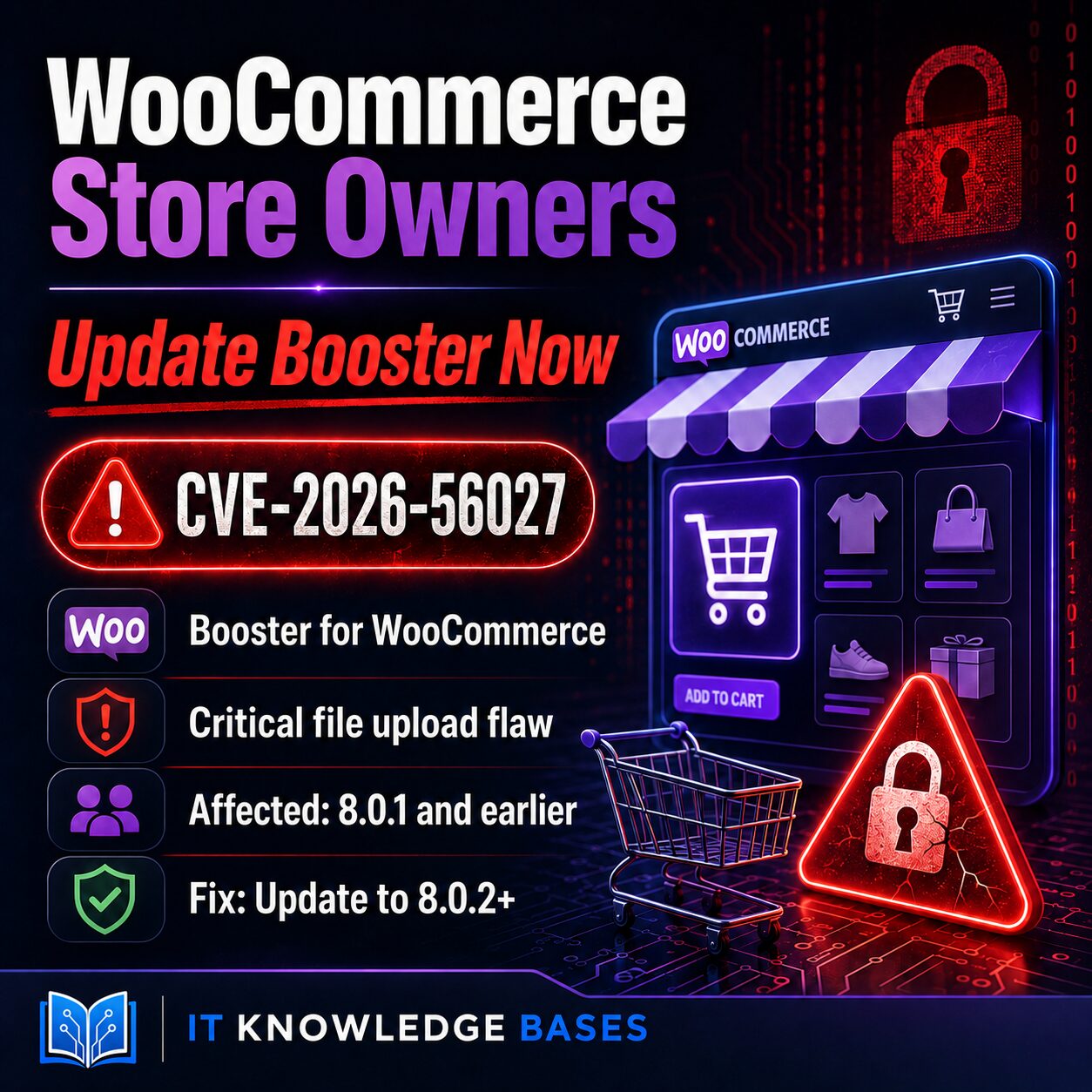
If your WooCommerce store uses the Booster for WooCommerce plugin, check its version now.
CVE-2026-56027 is a critical arbitrary-file-upload vulnerability affecting Booster for WooCommerce version 8.0.1 and earlier. The vulnerability can be reached by an authenticated customer account—the same basic account type that many WooCommerce stores allow visitors to create automatically.
Required action: Update Booster for WooCommerce to version 8.0.2 or later.
Why WooCommerce Store Owners Should Pay Attention
Online stores are designed to accept input from customers. Visitors create accounts, enter order information, select product options, and—in some configurations—upload files or images.
CVE-2026-56027 matters because it affects how Booster for WooCommerce handles customer-submitted files. A malicious user with a normal customer account could potentially upload a file that the store should not accept.
This is especially important for new and growing WooCommerce stores. Store owners often install several plugins while building checkout forms, product customization features, invoices, uploads, and pricing options. Once the store is working, those plugins may not be reviewed again for months.
An attacker does not necessarily need an administrator account. WooCommerce customer registration may provide the account access needed to attempt exploitation.
What Is CVE-2026-56027?
CVE-2026-56027 is a critical arbitrary-file-upload vulnerability in the Booster for WooCommerce WordPress plugin.
- Affected plugin: Booster for WooCommerce
- Affected versions: 8.0.1 and earlier
- Patched version: 8.0.2
- Required access: WooCommerce customer account
- Vulnerability type: Arbitrary file upload
- Severity: Critical
The issue involves insufficient validation of files submitted through customer-facing upload functionality. Version 8.0.2 strengthens validation so submitted files must be legitimate, permitted image types before being moved into the WordPress uploads directory.
Why a Customer-Level Vulnerability Is Still Serious
The word authenticated can make a vulnerability sound less dangerous than it is. On an online store, however, customer accounts are often available to anyone.
An attacker may be able to:
- Register a normal customer account.
- Locate a Booster feature that accepts an upload.
- Submit a file designed to bypass weak validation.
- Attempt to access the uploaded file from the public website.
The final impact depends on the server configuration, where the file is stored, and whether the server permits that file to execute. Arbitrary file upload should nevertheless be treated seriously because successful exploitation can sometimes lead to remote code execution or complete WordPress compromise.
How to Fix CVE-2026-56027
Update the plugin from the WordPress dashboard:
- Sign in to WordPress.
- Open Dashboard → Plugins → Installed Plugins.
- Find Booster for WooCommerce.
- Select Update now.
- Confirm that the installed version is 8.0.2 or later.
You do not need to disable the plugin when the patched update is available and can be installed normally.
How to Confirm Your Installed Version
From the WordPress administration dashboard, open the installed plugins page and locate Booster for WooCommerce. The version number should appear beneath the plugin name.
Your store requires attention if it shows:
- 8.0.1
- 8.0.0
- Any earlier release
A store running version 8.0.2 or later contains the vendor’s updated file-validation protections for this issue.
Should You Check for Suspicious Uploads?
Updating closes the known vulnerability, but it does not determine whether someone attempted to use it before the update.
Administrators responsible for higher-risk or Internet-exposed stores should consider reviewing:
- Recently created customer accounts.
- Unexpected files in WordPress upload directories.
- Files with unusual, executable, or double extensions.
- Web-server requests to newly uploaded files.
- Unexpected WordPress administrator accounts.
- Recently modified plugin or theme files.
The presence of an unusual file does not automatically prove exploitation. Preserve the file and relevant logs before deleting evidence if a compromise is suspected.
This Is Not a Vulnerability in WooCommerce Core
CVE-2026-56027 affects the separate Booster for WooCommerce plugin. It does not mean every website running WooCommerce is vulnerable.
Your store is affected only if it has a vulnerable version of Booster for WooCommerce installed.
Bottom Line
WooCommerce store owners using Booster should update to version 8.0.2 or later immediately.
The update is straightforward, the vulnerability is critical, and customer-level access may be obtainable through ordinary store registration. This is not an issue worth leaving for the next maintenance window.
Frequently Asked Questions
Is WooCommerce itself affected by CVE-2026-56027?
No. The vulnerability affects the Booster for WooCommerce plugin, not WooCommerce core.
Which versions are vulnerable?
Booster for WooCommerce version 8.0.1 and earlier are affected.
Which version fixes the vulnerability?
Update to Booster for WooCommerce version 8.0.2 or later.
Does the attacker need to be a WordPress administrator?
No. The vulnerability is associated with customer-level access. Many WooCommerce websites allow visitors to create customer accounts.
Do I need to disable Booster for WooCommerce?
No, provided you can install the patched release. Update the plugin to version 8.0.2 or later and verify that the update completed successfully.
Is CVE-2026-56027 being actively exploited?
Active exploitation has not been confirmed in the information reviewed for this article. Store owners should not wait for exploitation reports before installing the available security update.