
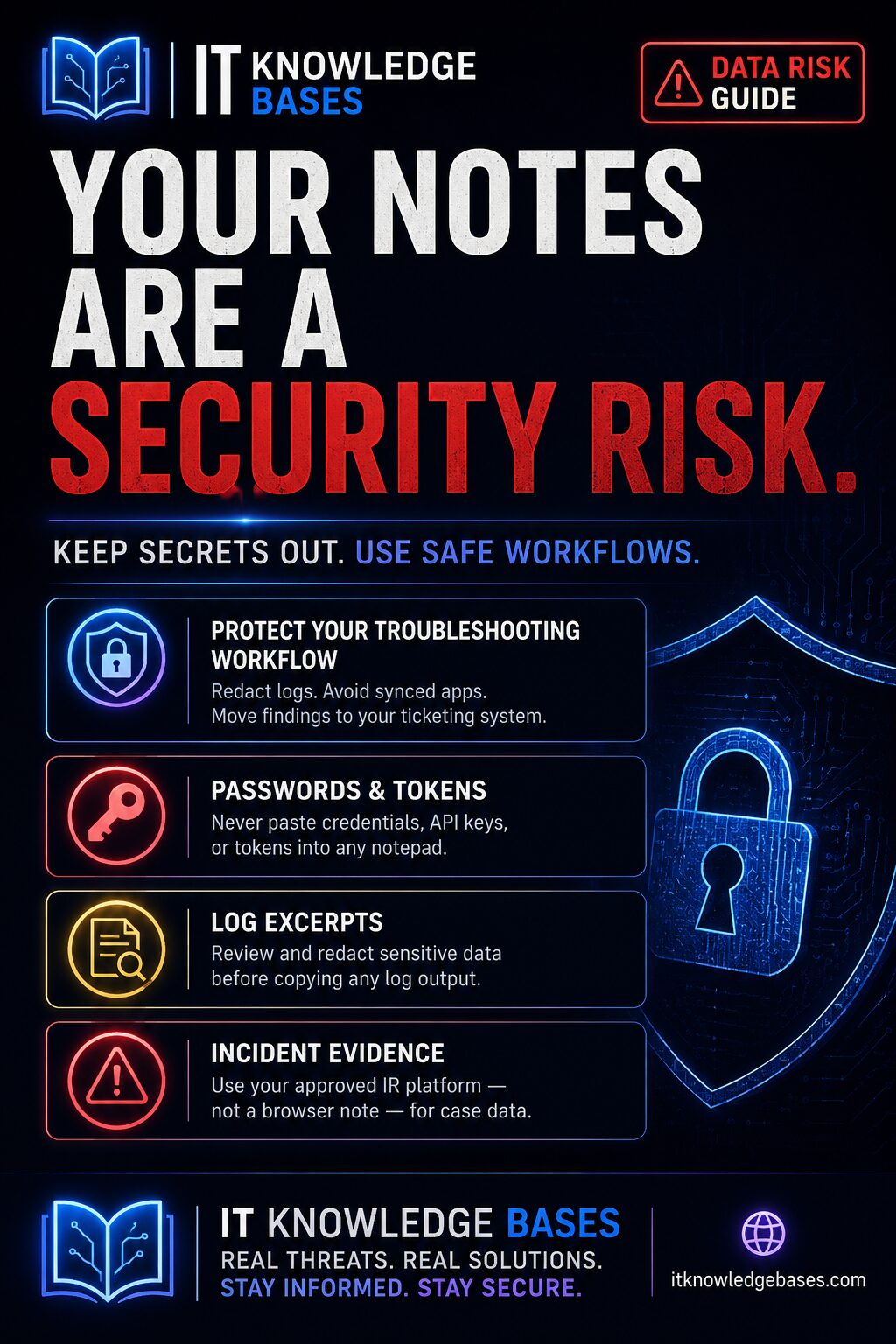
Summary: IT troubleshooting notes are useful, but they can become a security problem when passwords, API keys, customer information, tokens, or incident details are copied into the wrong place. This guide explains how to take temporary IT notes safely and when to use the IT Knowledge Bases Temporary Notepad Browser Extension.
IT work moves fast. During troubleshooting, it is common to copy commands, error messages, hostnames, ticket notes, URLs, log snippets, or quick reminders into whatever notepad is nearby.
That habit is convenient, but it can create risk if sensitive information ends up in cloud-synced notes, personal accounts, screenshots, chat tools, or unmanaged documents.
The better approach is simple: use temporary notes for short-term working context, avoid storing secrets, and move anything that must be retained into the correct ticketing, documentation, or incident response system.
The IT Knowledge Bases Temporary Notepad Browser Extension is designed for quick notes, troubleshooting information, commands, and temporary references during IT work.
Why IT troubleshooting notes can become a security issue
Troubleshooting notes often contain more sensitive information than people realize. A quick note may include:
- Internal hostnames
- IP addresses
- Firewall rules
- Username examples
- Ticket numbers
- Error messages
- Log snippets
- PowerShell commands
- Cloud resource names
- Authentication URLs
- Temporary investigation findings
Those details may not be passwords, but they can still expose useful information about your environment.
NIST SP 800-92, Guide to Computer Security Log Management, notes that logs can contain sensitive information including user passwords and email contents, raising security and privacy concerns for anyone who reviews or has access to that data. Organizations should ensure that log data — and copied excerpts from logs — are handled and stored appropriately. See NIST SP 800-92.
What not to store in temporary notes
Temporary notes should not become a hiding place for secrets or regulated data.
Avoid storing:
- Passwords
- API keys
- Private keys
- Session tokens
- OAuth tokens
- Recovery codes
- MFA backup codes
- Full customer records
- Payment card data
- Protected health information
- Full email contents from an investigation
- Evidence that must be preserved formally
If the information would be damaging in a browser screenshot, synced note app, support chat, or shared clipboard history, do not put it in a temporary note.
Good uses for a temporary IT notepad
A temporary notepad is useful when the information is short-lived and low-risk.
Good examples include:
- Commands you are about to run
- A short checklist for a troubleshooting session
- Non-sensitive error summaries
- A sanitized log excerpt
- A list of systems to review
- Temporary before-and-after values
- DNS records you are comparing
- Public URLs being reviewed
- A short note to transfer into a ticket later
The goal is not long-term documentation. The goal is a safe working area while you investigate.
Recommended workflow for safer troubleshooting notes
Step 1: Decide whether the note is temporary or permanent
Before writing anything down, decide what kind of note it is.
- Temporary: Useful during the current task, but not needed later.
- Ticket note: Needed for support history or audit trail.
- Knowledge base article: Reusable documentation for future work.
- Incident record: Evidence or timeline information that must be preserved.
Temporary notes should not replace the ticketing system, change record, or incident timeline.
Step 2: Sanitize before pasting
Before pasting logs or commands into any note, remove secrets and unnecessary user data.
Examples:
# Bad
Invoke-RestMethod -Headers @{Authorization="Bearer eyJhbGci..."}

# Better
Invoke-RestMethod -Headers @{Authorization="[REDACTED_TOKEN]"}
# Bad
Reset password for john.smith@example.com to TempPassword123!
# Better
Reset password for affected user. Do not store the temporary password in notes.Step 3: Keep commands separate from credentials
It is fine to write down a command structure. It is not fine to store the credential material with it.
# Safer note
Test API request with X-API-Key header.
Store API key only in approved secret manager.
Use a password manager, secret vault, privileged access tool, or approved secure storage process for credentials and tokens.
Step 4: Use temporary notes for working memory only
Temporary notes are best for short-term context:
- What you checked
- What command you plan to run
- What system needs review next
- What result needs to be copied into the ticket
At the end of the task, move the final useful information into the right system and clear anything that is no longer needed.
Step 5: Preserve incident evidence properly
If the notes relate to a suspected security incident, do not rely on a temporary browser note as the official record.
NIST SP 800-61 Rev. 3, finalized in April 2025, supersedes and formally replaces SP 800-61 Rev. 2. It aligns incident response recommendations with the NIST Cybersecurity Framework 2.0. For incident work, evidence, timelines, and decisions should be preserved through the organization’s incident response process. See NIST SP 800-61 Rev. 3.
Temporary notes vs. ticket notes vs. documentation
| Note Type | Best Use | What to Avoid |
|---|---|---|
| Temporary note | Short-term troubleshooting context | Secrets, customer data, incident evidence |
| Ticket note | Support history, user communication, resolution steps | Passwords, unnecessary personal data |
| Knowledge base article | Reusable instructions and procedures | Environment-specific secrets or private details |
| Incident record | Security timeline, evidence, decisions, containment steps | Unverified assumptions or unpreserved evidence |
Examples of safer IT troubleshooting notes
DNS troubleshooting note
Issue: Website resolution failing for user.
Checked:
- Domain resolves externally.
- Internal DNS returns old IP.
Next:
- Compare internal DNS A record with public DNS result.
Tool:
- https://itknowledgebases.com/dns-lookup/
Phishing investigation note
Suspicious email reported.
Do not click link from inbox.
Next:
- Decode Safe Link.
- Scan destination URL.
- Check RDAP and DNS details.
Tools:
- https://itknowledgebases.com/safe-link-decoder/
- https://itknowledgebases.com/phishing-check/
- https://itknowledgebases.com/rdap/
- https://itknowledgebases.com/dns-lookup/
Login investigation note
Unfamiliar sign-in location reported.
Next:
- Check source IP geolocation.
- Review ASN/provider.
- Compare with user sign-in history.
- Verify MFA and Conditional Access result.
Tool:
- https://itknowledgebases.com/ip-geolocation/
When the Temporary Notepad Browser Extension makes sense
Use the IT Knowledge Bases Temporary Notepad Browser Extension when you need a quick place to hold working notes during IT tasks.
It is a good fit for:
- Help desk troubleshooting
- DNS checks
- Phishing triage
- Temporary command notes
- Short task checklists
- Browser-based investigation workflows
- Quick reminders during support sessions
It is not a replacement for your ticketing system, SIEM, incident response platform, password manager, documentation platform, or evidence repository.
Checklist: safer temporary IT notes
- Do not store passwords.
- Do not store API keys or tokens.
- Redact sensitive log data before pasting.
- Use placeholders for secrets.
- Keep temporary notes short.
- Move final findings into the ticket or documentation system.
- Use approved evidence handling for incidents.
- Clear temporary notes when the task is done.
- Avoid copying customer data unless required.
- Do not use personal cloud notes for work investigations.
Related IT Knowledge Bases tools
- Temporary Notepad Browser Extension — quick temporary notes for IT work.
- Phishing URL Scanner — inspect suspicious URLs, redirects, forms, and screenshots.
- Safe Link Decoder — reveal the original destination behind Microsoft Safe Links.
- DNS Lookup Tool — review DNS records during troubleshooting or investigation.
- RDAP Domain Lookup — review domain registration context.
- IP Geolocation Tool — review IP location, ASN, and network owner context.
FAQ
Is it safe to store passwords in temporary notes?
No. Passwords, API keys, private keys, session tokens, and MFA recovery codes should not be stored in temporary notes. Use an approved password manager or secret management process.
Can I paste logs into temporary notes?
Only after reviewing and redacting them. Logs may contain usernames, email contents, tokens, internal systems, IP addresses, or other sensitive data.
Should incident response notes go into a temporary notepad?
Only for short-term working context. Official incident timelines, evidence, decisions, and containment actions should be stored in the approved incident response system.
What is the best use of a temporary notepad for IT admins?
Use it for short-lived troubleshooting context: commands, non-sensitive reminders, sanitized errors, quick checklists, and links to tools you are using during the task.
When should I clear temporary notes?
Clear them after the task is complete and after any required information has been moved into the correct ticket, documentation, or incident record.
Conclusion
Temporary notes help IT admins work faster, but they need boundaries.
Use temporary notes for short-term working memory. Do not use them for passwords, tokens, customer records, sensitive logs, or official incident evidence.
For quick troubleshooting notes, use the IT Knowledge Bases Temporary Notepad Browser Extension. For anything permanent, sensitive, or audit-relevant, move the information into the proper system.